Are Your Amazon Ads Getting Clicks Instead of Sales? Here’s Why!
Low Amazon ad conversions usually trace to listing quality, not bids. These fixes take sellers from 8% to 15%+ conversion in 30 days.

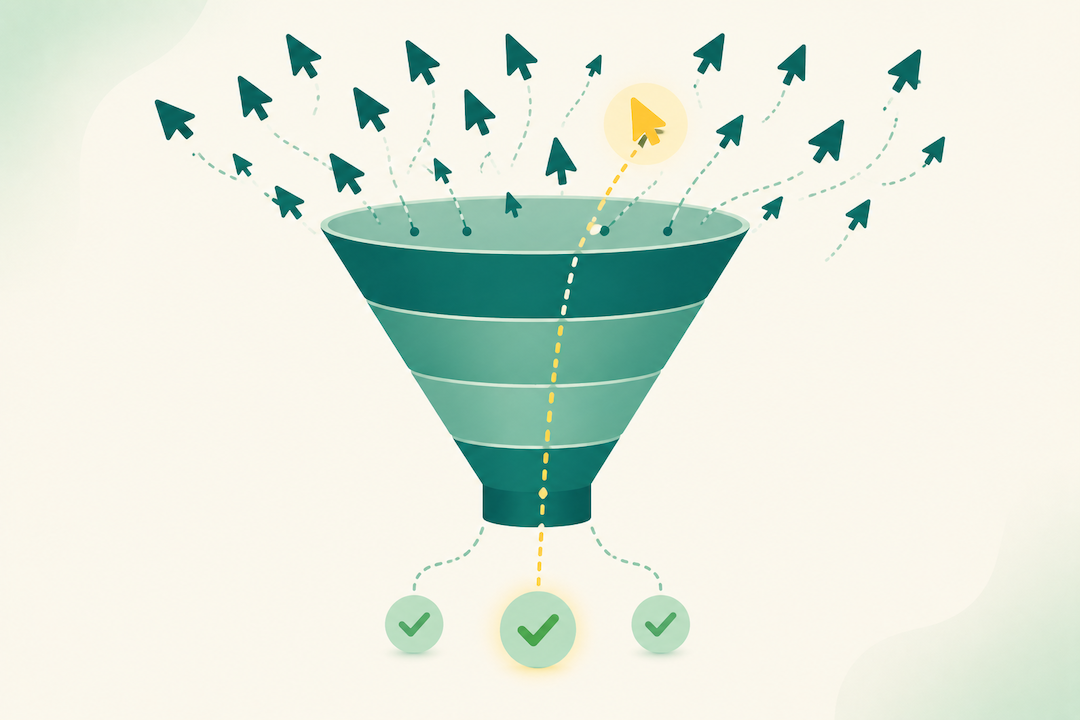
Your traffic is up, impressions are climbing, and click-through looks decent. But sales? Barely moving, while your ad budget burns faster than ever. If that sounds familiar, the problem is rarely the ads themselves. It’s what happens after the click.
Quick Answer: Your Amazon ads probably aren’t converting because your listing quality is poor, you’re targeting the wrong keywords, or your pricing isn’t competitive. Not because your ad strategy is wrong.
The Bottom Line: If your organic conversion rate is below 10%, fix your listing before spending another dollar on ads. In our experience managing over $3.3 billion in revenue for hundreds of brands, sellers who fix listing quality before scaling ads typically move from 8% to 15%+ conversion within 30 days.
One supplement brand came to us spending $18K a month at a 7.2% conversion rate. Before touching their campaigns, we rebuilt their images and rewrote their bullets. Three weeks later conversion hit 14.8% and ACoS dropped from 42% to 23%, on the same ad spend. The ads weren’t the problem. The listing was.
Paying for Clicks That Never Turn Into Sales?
Canopy's Partners Achieve an Average 84% Profit Increase!
Get Your Free Conversion AuditStart Here: Check Your Organic Conversion Rate
Before anything else, find your Unit Session Percentage, Amazon’s term for conversion rate, from organic traffic.
Seller Central → Business Reports → Detail Page Sales and Traffic
This one number tells you where to focus:
- Below 10%: your listing needs work. Fix it before scaling ads, because paid traffic only amplifies what’s already there. Start with the listing section below.
- 10 to 15%: solid foundation. Focus on keyword targeting and pricing.
- Above 15%: your listing converts. Skip to campaign structure and scaling.
Write your number down. Everything below builds on it.
What Makes a Listing Convert
Your images do most of the work. Most shoppers decide on images alone. Lead with a white-background main image where the product fills about 85% of the frame, then seven or more high-quality images covering every angle, use case, and key benefit, plus a comparison chart if your category is crowded. What kills conversions: blurry or single-angle shots, cluttered text-heavy graphics that fail on mobile, and any mismatch between your ad image and your listing’s first image. That disconnect alone spikes bounce rates.
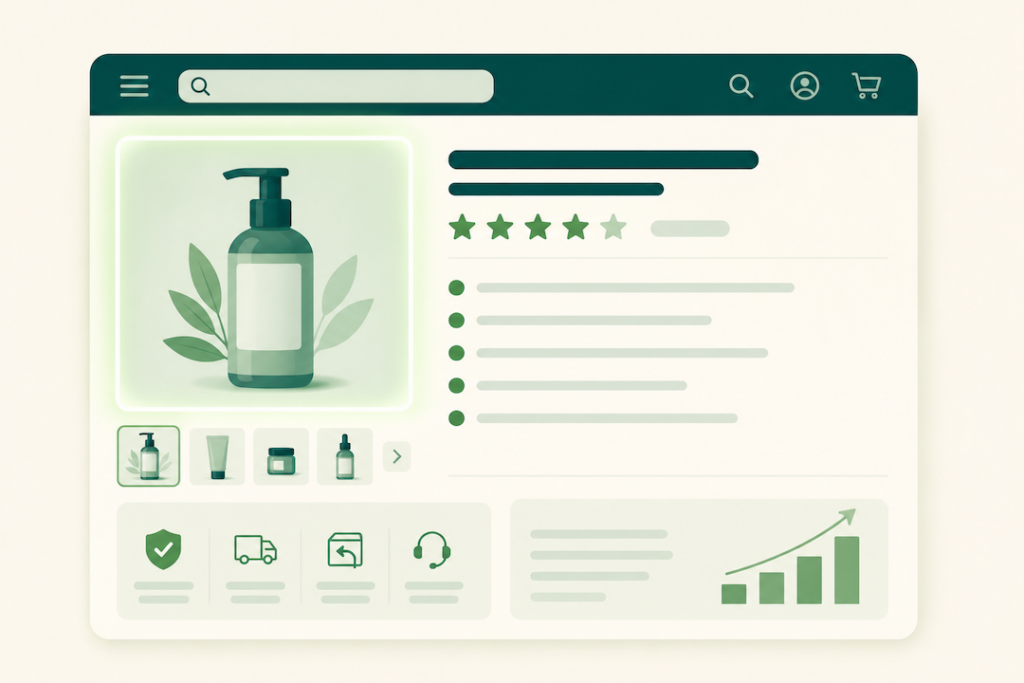
Your title has to work on mobile, where most Amazon shopping now happens and only the first 80 to 120 characters show. Answer four questions in order: what is it, who is it for, what’s the key benefit, what makes it different.
- Works: “Wireless Noise Canceling Headphones, 40H Battery Life, Over-Ear Bluetooth Headset with Mic for Travel, Work, Gaming, Black”
- Doesn’t: “Premium Quality Professional Grade Wireless Headphones with Advanced Technology”
Your reviews decide the close. Most shoppers read reviews before buying anything over $30, hunting specifically for what could go wrong. The conversion impact is steep: 4.5+ stars is your baseline, 4.0 to 4.4 costs you 15 to 25%, below 4.0 costs 40 to 60%, and zero reviews costs 70 to 80%. If you’re at 3.8 stars with 200 reviews, no ad campaign saves you. You need a systematic plan to generate new positive reviews. Treat 4.3 as your healthy floor and 4.5+ as the goal.
Are You Targeting the Right Keywords?
Most conversion problems come from targeting terms that are too broad or too early in the buying journey.
Discovery keywords (typically 3 to 7% conversion) are generic or research-focused: “headphones,” “best noise canceling headphones,” “Bose vs Sony.” Decision keywords (typically 12 to 18%) are specific: “Sony WH-1000XM5 wireless headphones,” “waterproof earbuds for running.” In supplements, “vitamins” is discovery; “Nature Made Vitamin D3 2000 IU softgels” is decision.
Target both eventually, but if budget is tight and conversions are low, put 70% of spend on decision keywords. Those shoppers already know what they want.

To find wasted spend, pull Campaign Manager → Search Term Report (last 30 days) and filter for terms with 10+ clicks and zero orders. The usual culprits are competitor brand names, singular/plural mismatches, adjacent-but-different products (“earbuds” showing for “headphones”), and informational “how to” queries. Add them as negatives. This single habit typically cuts wasted spend 20 to 30%.
On match types, most sellers do well with 60 to 70% of budget in Phrase Match, 20 to 30% in Exact Match for proven winners, and 10 to 20% in Broad Match for discovery with daily negative-keyword reviews.
Is Your Pricing Hurting Conversions?
Shoppers compare you to several alternatives before buying. Price roughly tracks conversion: 5 to 10% cheaper than top competitors converts at 15 to 20%, within 5% converts at 12 to 15%, 10 to 20% more expensive drops to 8 to 12% and needs clear differentiation, and 20%+ more expensive lands at 5 to 8% and demands real premium proof.
Higher pricing works when your images and A+ content show premium quality and you have 50+ reviews at 4.5+ stars. It fails when your listing looks like cheaper competitors or your images don’t justify the gap.
Quick test: stuck at 8%? Drop price 5 to 10% for two weeks. If conversion jumps to 12 to 14%, pricing was the problem. If it holds near 8%, the issue is listing quality.
Is Your Campaign Structure Working Against You?
You likely have a structure problem if you’re running 20+ campaigns on the same products, your campaigns are named “Campaign 1” or “Auto – New,” or several campaigns bid on the same keywords. That last one makes your own campaigns compete against each other, driving up costs for nothing.
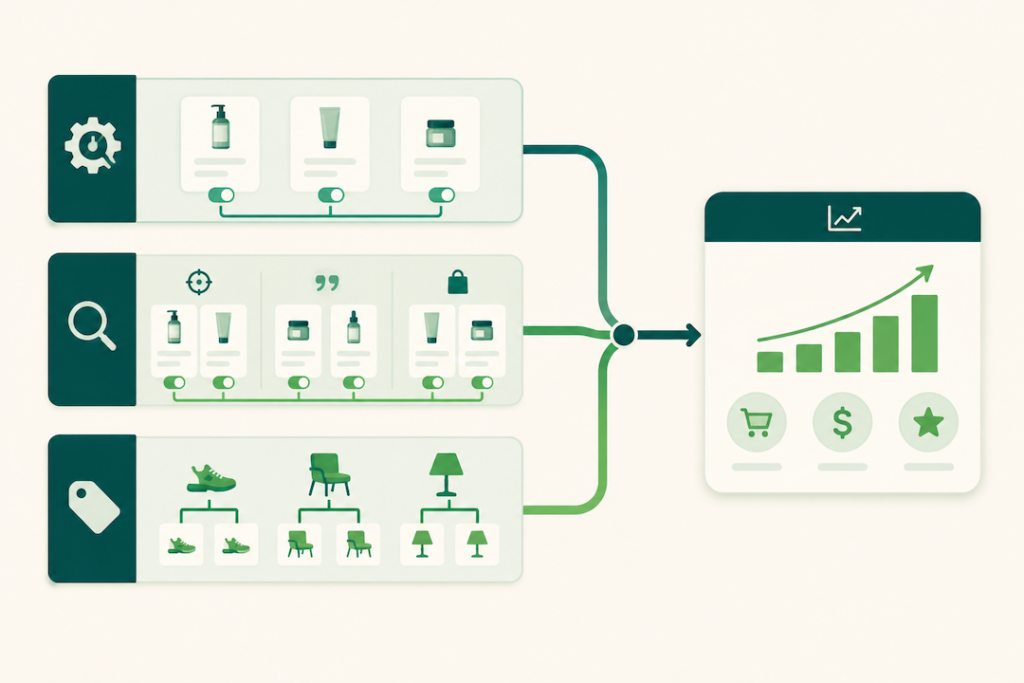
A simple three-tier structure fixes most of it:
- Automatic (20 to 30% of budget): let Amazon surface new converting keywords.
- Manual by match type (50 to 60%): separate Exact, Phrase, and Broad; start with Exact and Phrase.
- Product targeting (10 to 20%): competitor ASINs and complementary products.
On bids, don’t set once and forget. Top of Search usually needs bids 50 to 100% above product-page placement. If keywords get impressions but few clicks, bids are too low. If they get clicks but no conversions, the problem is your listing or targeting, not your bid.
Watch the ad-to-listing match, too. If a Sponsored Brands ad promises “50-hour battery life” but that benefit isn’t in your first two bullets or first three images, shoppers bounce at 50%+. Whatever the ad promises, the listing has to deliver in the first thing they see.
Your Fix-It Plan, Prioritized by Impact
Work it in order. The 80/20 rule holds here: about 80% of conversion problems are listing quality, 20% are campaign optimization. Fix the 80% first.
Week 1, stop the bleeding (2 to 3 hours): add 15 to 20 negative keywords from your Search Term Report, pause any keyword with $50+ spend and zero sales, replace your main image if it isn’t professional quality, and rewrite your first two bullets to lead with benefits. If you’re below 4.3 stars, start a review campaign. Expected result: 15 to 25% less wasted spend within a week.
Weeks 2 to 4, systematic optimization: complete the listing overhaul (images, title, bullets, A+ content), rebuild campaigns separated by match type and intent, boost Top of Search bids about 50% on proven converters, and start systematic review generation. Expected result: 3 to 5 points of conversion improvement.
Ongoing, scaling: test new long-tail keywords from Search Term Report data, expand Sponsored Brands and Display for top performers, test pricing, and A/B test images. Make one significant change at a time and give Amazon 10 to 14 days to stabilize before judging it.
The Numbers Worth Watching
Three metrics tell you almost everything:
- Conversion rate by traffic source (Business Reports → Detail Page Sales and Traffic). Aim for 12 to 15%+ organic, 10 to 13%+ paid. If organic converts but paid doesn’t, it’s a targeting problem. If both are low, it’s a listing problem.
- ACoS by campaign type. Roughly 30 to 40% for aggressive growth, 20 to 30% for profitable growth, 15 to 20% for mature products. The trend matters more than the number.
- Search Term Report, weekly. Twenty to thirty minutes every Monday adding negatives and promoting winners typically saves 15 to 20% of ad spend.
What’s Different About Amazon Ads Now
Costs are up: average CPCs have risen 12 to 18% across most categories, and Top of Search now runs two to three times higher than Rest of Search in competitive niches. Wasted spend that was annoying at $0.50 CPCs is business-threatening at $2.50. Amazon’s algorithm is also getting better at steering impressions toward listings that convert, so winners get more traffic and weak listings get buried.
Shopping is mobile-first, so images must read at thumbnail size and your first bullet has to land on a small screen. And content keeps rising as table stakes: video lifts conversion, A+ Premium is now expected for Brand Registered sellers, and user-generated content builds trust faster than polished photos alone.
The Bottom Line
If you’re stuck at 8% conversion wondering why ads aren’t profitable, it’s probably not the ads. Fix your listing until organic conversion clears 12 to 15%, then scale campaigns to amplify what’s already working. That sequence works. The reverse just creates expensive disappointment.
How Canopy Management Can Help
If low conversion rates are draining your budget, we can find and fix what’s broken fast. We start with a conversion audit that pinpoints your specific profit leaks, and within two weeks we’ll show you exactly where the money is going and which fixes move the needle most.
Our team includes former Amazonians and specialists who have managed real budgets across hundreds of accounts. We know the difference between a listing issue, a targeting issue, and a campaign structure issue, and how to fix each one systematically.
Canopy Management is a full-service omnichannel marketing agency running Amazon, Walmart, TikTok Shop, Shopify, Meta, and Google for brands doing $20K to $1.5M in monthly revenue, with the same dedicated brand manager owning the account for the life of the engagement.
Paying for Clicks That Never Turn Into Sales?
Canopy's Partners Achieve an Average 84% Profit Increase!
Get Your Free Conversion AuditFrequently Asked Questions
It depends on your organic conversion rate. Below 8%, consider pausing or sharply reducing spend while you fix critical issues, since you’re paying to send traffic to a listing that can’t convert it. Between 8 and 10%, keep ads running but put your energy into the listing, not campaign tweaks.
Start with 10 to 15% of projected monthly revenue. If ACoS is healthy (below 30% for most categories), scale up; above 40%, pause scaling and fix conversion first. What matters isn’t total spend, it’s whether each dollar generates profitable sales.
Yes, but not by outbidding them. Target long-tail keywords they ignore, where a seller bidding on “organic cotton toddler pajamas 3T with feet” beats a major brand bidding on “pajamas.” If your listing converts at 15 to 18% and theirs at 10%, you can afford competitive bids and still out-earn them.
It varies by category, but aim for 12 to 15%+ organic and 10 to 13%+ paid. Below 10% on either signals a listing or targeting problem; above 18% means you should be scaling. A listing with 1,000 visitors at 15% beats 1,500 at 10%, at lower acquisition cost.
Almost always Broad Match interpreting your keywords too liberally. Fix it with weekly negative-keyword management: review your Search Term Report and add 10 to 15 negatives for terms that got clicks but no orders. Within a few weeks you train Amazon to show your ads only where they convert.
Generally no. Below 4.0 stars, paid traffic converts 40 to 60% worse than products above 4.5, so you spend far more per sale. Pause ads, fix what’s driving the negative reviews, rebuild your rating, and restart once you’re back above 4.3. The exception is running ads purely to liquidate inventory