Amazon Brand Store Optimization: The 2026 Build and Measure Guide
How to build and measure an Amazon Brand Store in 2026, including the section-level insights Amazon launched in January and what to do with them.

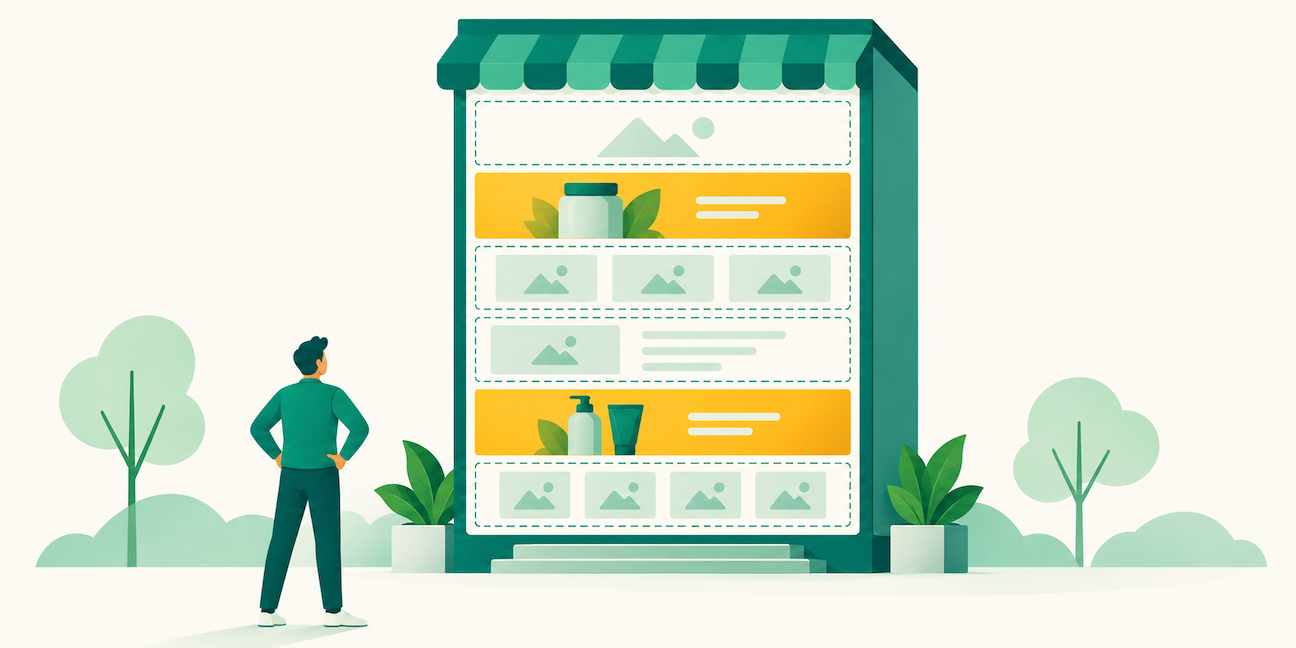
Amazon shipped section-level Store analytics in January. Most Stores were built before anyone could see which parts of them worked.
A Brand Store is a free multi-page storefront on your own Amazon address, and Amazon confirms both halves of that: “Creating and maintaining a Brand Store is free,” and you do not need to run ads to have one. Eligibility runs through Brand Registry, and Amazon’s requirement is that “Only brands with a pending or registered trademark can create a Brand Store on Amazon.” A pending application counts, which sellers routinely assume it doesn’t.
What changed this year is that Store optimization became measurable at the level you actually build at.
Until January, Store Insights told you how many people visited a page. It could not tell you which module on that page did the work. Amazon fixed that on January 10, 2026 with section-level metrics, now in beta: “Brand Store insights at section-level provide detailed engagement metrics for each section of your store, helping you understand how shoppers interact with different content types by traffic source.”
So the advice everyone has been giving for years, test your layout and iterate, only became executable eight months ago. If your Store was built before then and hasn’t been touched since, nothing in it was chosen against evidence.
Here’s the build, and then what to do with the new data.
Building the Store
Amazon’s builder is self-service with no coding. The sequence:
- Register for sponsored ads, and if you’re a seller, enroll your brand in Brand Registry
- Sign in to the advertising console and click “Brand Store”
- Start building with Amazon’s self-service Store builder
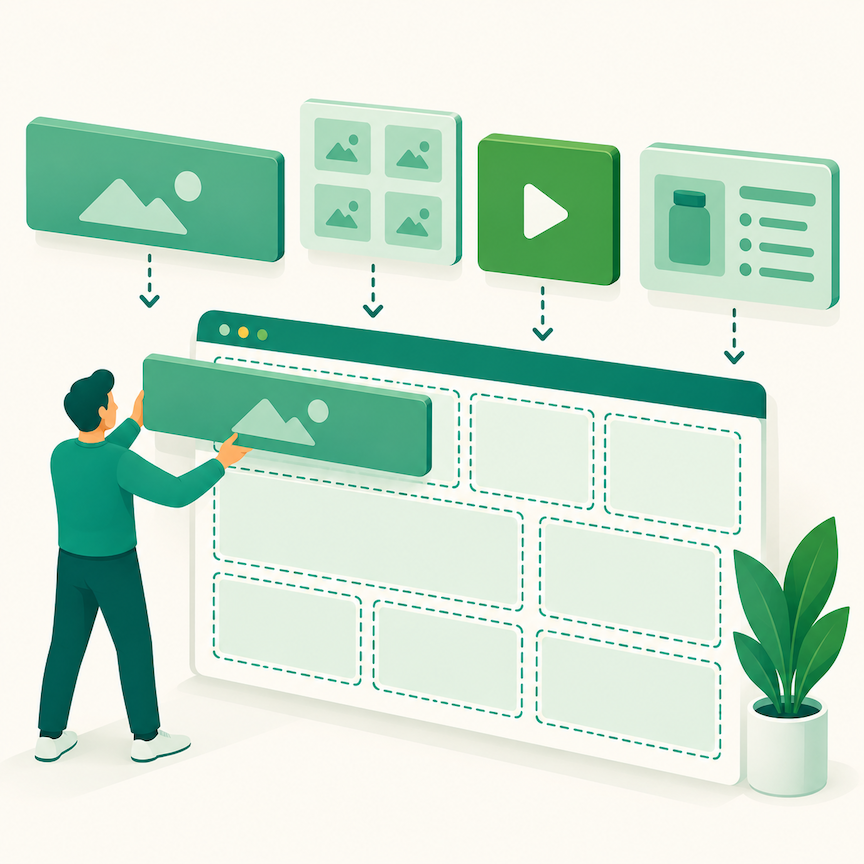
- Use a template, then drag-and-drop tiles to add, remove, or rearrange content, or build your own design
- Submit for review
- Publish
The tile library is where most Stores underperform. Beyond basic product grids, the builder offers hotspot images, shoppable media, comparison charts, video backgrounds, and image sliders. Most Stores use two or three tile types across every page, which produces a catalog with a banner on top rather than something worth browsing.
Your page structure should follow how customers describe their problem, not how you organize inventory. Groupings like use case, customer type, or problem solved outperform technical classification, because they match the language people arrive with. That same principle governs your listings, and our Amazon SEO guide covers the keyword side of it.
Build at least three sub-pages before you publish. That’s the structural requirement for Store Spotlight, the Sponsored Brands format that surfaces up to three of your Store sub-pages directly in search results, with each sub-page needing at least one product. A two-page Store closes that door without telling you it did.
Your Store Has Twelve Sections and You Can Name Two That Work
Canopy's Partners Achieve an Average 84% Profit Increase!
Get a Store performance reviewGetting Traffic In
Amazon lists five routes into a Store, and most brands use one.
The brand byline. The brand name link above or below the product title on every detail page. This is passive and it’s the majority of most Stores’ traffic.
The short URL. Amazon assigns an address in the form amazon.com/yourbrand. This is what belongs in your email signature, packaging insert, and social bio.
Sponsored Brands. Campaigns can use your Store or a specific sub-page as the landing page rather than a product grid. Our Sponsored Brands guide covers campaign construction.

Display ads. Programmatic campaigns can also direct to your Store or a sub-page. Amazon renamed this format from Sponsored Display, which our display ads guide covers.
Shopping results. Amazon states that Brand Stores are discoverable through shopping results on Amazon.
For anything you drive from outside, add a tag to the Store URL. Amazon supports this specifically so you can separate traffic sources in Store Insights, and without it every external visitor lands in one undifferentiated bucket.
The Measurement Change
The new Sectional performance tab is the reason to revisit a Store you already built.
Four metrics now report for every individual section: renders, viewable impressions, clicks, and click-through rate. All four break out by traffic source, which is the part that changes decisions rather than just adding numbers.
To find it: sign in to the advertising console, open your Brand Store insights dashboard, and go to the Sectional performance tab. Amazon also added section-level endpoints to the Stores Analytics API if you’re pulling into your own reporting.
What the traffic-source split gives you is the answer to a question that used to be unanswerable. A video section might carry your Sponsored Brands traffic and do nothing for people arriving from the brand byline, because those two audiences are at different stages. Before January you saw one blended page number and had no way to separate them. Now you can build a page that serves the traffic actually hitting it.
A practical weekly pass: pull your top sections by renders, then look at which ones convert attention into clicks and which ones absorb a view and stop. The sections with high renders and low CTR are the ones occupying prime position while doing nothing, and they’re usually near the top of the page.
Store metrics sit alongside the rest of your account reporting, and our guide to the metrics worth tracking covers how they fit together.
Keeping It Current
Amazon’s published guidance is specific: “Update your Brand Store at least once per quarter so shoppers can expect to see something fresh from your brand.” Amazon’s own optimization list also names telling your brand story, adding imagery and video, showcasing deals and new products, building pages for different product categories, and checking Store Insights regularly.
The quarterly cadence is a floor rather than a strategy. The sharper version is to tie refreshes to events you already run: a dedicated deals page during Prime Day with your hero products and bundles, a gifting page for Q4, a new-arrivals page whenever you launch. Each gives you a Sponsored Brands landing target that matches the moment, which a static homepage never does.
If you sell in more than one country, Amazon’s multi-country expansion tool will “replicate and translate your Brand Store to all the countries where you already sell products in just a few clicks.” That’s meaningfully faster than rebuilding each market by hand, and our global selling guide covers the compliance side of expansion.
Templates and widgets are built for mobile web, app, and desktop, but that means the layout adapts rather than that it reads well. Preview every page on a phone before publishing. A comparison chart that works at desktop width often becomes unreadable on mobile, where most of your traffic is.

How Canopy Handles Brand Stores
Canopy Management is a full-service omnichannel marketing agency working with brands across Amazon, Walmart Marketplace, TikTok Shop, Chewy, Shopify, Meta, and Google. Our partners have generated over $3.3 billion in revenue.
Our brand managers treat a Store as an asset with a maintenance schedule rather than a project that ends at launch. That means structuring sub-pages to support the ad formats you plan to run, building refresh calendars around your actual promotional dates, and reading section-level data by traffic source so layout changes come from evidence instead of taste.
The brands whose Stores improve every quarter aren’t the ones with the best design instincts. They’re the ones who look at the Sectional performance tab and act on what it says.
Built Your Store in 2024 and Never Touched It Again?
Canopy's Partners Achieve an Average 84% Profit Increase!
Talk to our Amazon teamFrequently Asked Questions
No. Amazon states that you do not need to advertise to create a Brand Store, and creating and maintaining one is free. You do need Brand Registry enrollment, which requires a pending or registered trademark. Advertising changes what you can drive to the Store, not whether you can have one.
Sign in to the advertising console, open your Brand Store insights dashboard, and select the Sectional performance tab. The metrics have been available since January 10, 2026 and the feature is still in beta. Section-level endpoints were also added to the Stores Analytics API for teams pulling into their own dashboards.
Amazon lists section-level insights across North America, South America, Europe, the Middle East, Asia Pacific, and Africa, covering 22 countries including the US, Canada, Mexico, Brazil, the UK, Germany, France, Spain, Italy, Japan, Australia, and India. Because the feature is in beta, confirm availability in your own console before planning work around it.
At least four, meaning a homepage plus three sub-pages, because that’s the threshold for Store Spotlight eligibility and each sub-page needs at least one product. Beyond that, add pages when you have a real grouping to justify one rather than to hit a number. Thin pages built to pad the count perform worse than fewer strong ones.
Yes, but only if you tag the URLs. Amazon supports adding a tag to your Store URL so traffic sources appear separately in Store Insights, and untagged external traffic arrives as one undifferentiated group. Set the tags before a campaign launches, since you can’t recover the attribution afterward.
Amazon’s published guidance is at least once per quarter. In practice, tie updates to your promotional calendar rather than the calendar quarter, so each refresh produces a landing page you can point ads at. A Store that changes only when Amazon’s guidance says it should is still a Store nobody has a reason to revisit.