The Last-Minute Prime Day Checklist: What You Can Still Fix Before the Event
Prime Day or Prime Big Deal Days is close and the deal deadlines have passed, but your listings, margins, and ad guardrails are still fixable.


Prime Day or Prime Big Deal Days is close and the deal deadlines have passed, but your listings, margins, and ad guardrails are still fixable. Here’s where to focus.
Before you start: This checklist works for either Prime event. Summer Prime Day runs four days (it was June 23 to 26 in 2026); the fall Prime Big Deal Days event usually runs two days in early October. Confirm your event’s exact dates and FBA inbound cutoffs, then work the list below.
If a Prime event is days away and you’re not ready, you still have real levers. Deal submissions and FBA inbound deadlines have passed, so let those go. What’s still in your control: listing suppression, titles and bullets, hero images, A+ Content, margin math, and PPC guardrails on your top 10 to 20 ASINs by revenue and ad spend.
The order that pays off most in the final 48 hours: check suppression first, fix your hero image for mobile, tighten your title and first two bullets, run the margin math on every ASIN you plan to discount, then scale only the campaigns that already convert. Everything else can wait.
A Prime event multiplies whatever your catalog, listings, and ad account already look like. It does not fix them. The next couple of days are about making sure what gets amplified is clean.
What You Can’t Change (Stop Thinking About It)
Some things lock the moment you’re inside the final week, and chasing them burns the hours you do have. Lightning Deal and Best Deal submissions closed weeks ago. The FBA inbound cutoffs for this event have passed too. If your inventory isn’t at a fulfillment center by now, it won’t be event-ready.
What’s still in your control: what shoppers see when they land on your listings, how your ad budget is allocated across the event, and whether your margins survive the volume.
Step 1: Run a Triage Pass on Your Money ASINs
Don’t touch your full catalog. Pick your top 10 to 20 ASINs by revenue and ad spend. Those are your money ASINs. Everything else can wait.
For each one, run through this quickly:
Check for suppression first. A suppressed listing gets zero event traffic regardless of what you spend. Pull your inventory health report in Seller Central and look for inactive or stranded inventory flags. Fix missing attributes, compliance issues, or image violations before you do anything else. A suppressed ASIN running a coupon is money evaporating.
Then audit the listing itself. Your title should lead with the primary keyword and the clearest differentiator (size, count, flavor, material). Your first two bullets should answer the question “why should I buy this instead of the one next to it?” If your bullets are a feature list, rewrite them as benefits. Front-load the use case.
One more reason to write in plain, benefit-led language: shoppers increasingly surface deals through Alexa for Shopping (Amazon’s shopping assistant, renamed from Rufus in May 2026), which favors listings that match how people describe what they want in natural language.
Prime Event Traffic Is Coming. Make Sure Your Account Is Ready to Profit From It.
Canopy's Partners Achieve an Average 84% Profit Increase!
Get Your Free Pre-Event AuditImages matter more during a Prime event than on any normal day. Most event shopping happens on a phone. If your hero image requires a zoom to read the label, you’re losing conversions before anyone sees your price. Make sure you have at least one lifestyle image and one infographic that communicates dimensions or usage in a glance.
If A+ Content isn’t live on your top ASINs, that’s the highest-value hour you can spend right now. Active A+ with a comparison chart keeps shoppers in your catalog instead of bouncing to a competitor when they get curious.
If you have two hours and need to prioritize ruthlessly: suppress check, then hero image, then title and first two bullets, on your top 10 ASINs.
Step 2: Do the Margin Math Before You Do Anything Else
A Prime event at high volume with negative margin is worse than a slow Tuesday. Run this check now.
For each key ASIN, look at: your current promo price, your last 30 days of price history, your current FBA fees (which rose again in 2026), your expected ad spend, and any active coupon or Prime Exclusive Discount. Add those up. If the number is red after accounting for elevated CPCs during the event, that ASIN is a Yellow or Red.
A simple triage framework:
Green ASINs: Healthy margin even with planned discount and higher CPCs. These get budget and attention. Push hard.
Yellow ASINs: Thin margin at promo price. Cap discounts, tighten targeting to exact match on proven keywords, set a budget ceiling so you don’t bleed volume on impulse.
Red ASINs: At or below zero margin at the promotional price. Don’t raise bids here. Don’t chase volume for a screenshot. The cash flow hit after the event, when you’re restocking and paying fees, will be real.
One thing sellers consistently underestimate: the volume spike is real, but so are post-event restock costs and your next inventory buildup. A strong sales day that empties your FBA bins at thin margin can create a cash crunch a month later, right when you should be reordering.

Step 3: PPC Guardrails, Not Heroics
The final days are not the time to rebuild your ad account. The sellers who do well during a Prime event are running campaigns with weeks of conversion data behind them. If you’re not, work with what you have.
What you can still do:
Scale what’s already working. Pull your top campaigns by CVR and TACoS from the last 30 days. Those are the ones that deserve budget increases, not your full account across the board. A common approach is bumping budgets 20% to 30% on proven performers in the days leading into the event, but only on the campaigns with the conversion data to justify it.
Set budget rules for the full event. Sellers who budget a four-day event like a two-day one will run dry on Day 2 or 3 when conversion rates are still strong. Configure budget rules or set daily caps high enough that your best campaigns don’t turn off mid-afternoon when traffic is peaking.
Add negative keywords now. Pull your last 60 days of search term data. Any keyword with spend and zero conversions is a budget vampire that costs you more during an event when every click is more expensive than usual. Add them as negatives before the traffic hits.
Don’t launch new campaigns. Untested campaign structures and new keyword sets need conversion data before they run efficiently. If you absolutely need to add something, keep it to exact match on keywords you already know convert, or retargeting warm audiences.
If you’re running Sponsored Brands Video on proven keywords, make sure it’s funded. The placement is high-value during high-intent searches, and it’s one of the few things you can set up quickly that makes a real difference.

Step 4: Storefront Check (Takes 30 Minutes, Worth It)
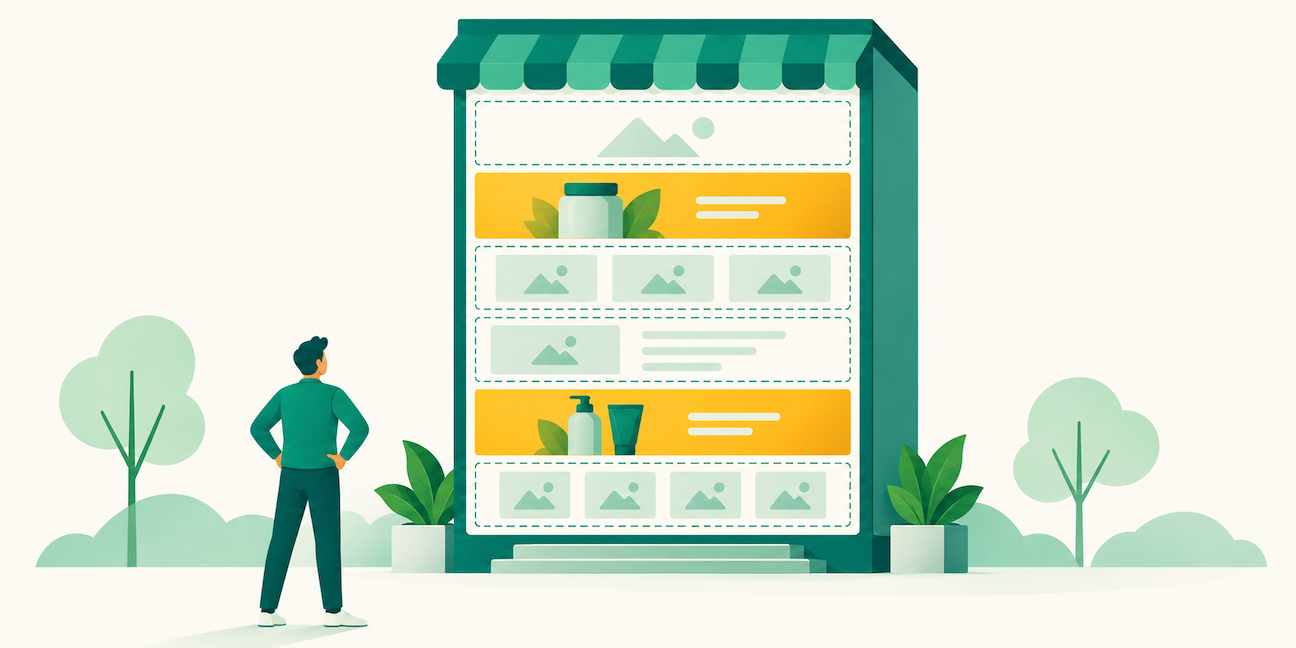
If you’re running Sponsored Brands pointing to your Store, go look at your Store homepage right now.
Ask yourself: if a shopper comes from an ad and lands here, do they immediately see your best event SKUs, or a generic catalog layout you set up six months ago?
Curate the above-the-fold experience toward your Green ASINs. Add a “Deal Picks” or “Bundles” tile if you have complementary products. This is a same-day fix that can meaningfully improve conversion on your Sponsored Brands traffic.
Also verify that comparison charts in your A+ content steer shoppers toward higher-margin products or larger pack sizes. Event traffic is conversion-ready. Give it somewhere to go.
Step 5: Day-Of Operations (Stay Calm, Stay Narrow)
When the event starts, watch your top 10 to 20 ASINs. Not your whole catalog. Look at CVR and spend on your proven campaigns every few hours.
If CVR is strong and you have inventory depth: justify incremental budget increases on those specific campaigns.
If CVR is weak: stop raising bids. Weak conversion usually traces to the listing or the price, and a higher bid on a page that doesn’t convert only spends your budget faster. Go back to the ASIN and check whether something broke (suppression, price displaying incorrectly, coupon expired).
Resist the urge to turn everything up indiscriminately. The most common event mistake is raising bids across the board without discriminating by performance, then wondering why TACoS is destroyed halfway through.
When the event ends, don’t slam the brakes the next morning. Post-event traffic stays elevated as shoppers who didn’t find what they wanted during the deals window keep browsing. Taper budgets gradually over the week after, watch your ranking gains, and keep the momentum going. A sales spike on a well-performing ASIN often produces an organic rank lift that compounds for weeks.
Step 6: Write It Down
Before you close Seller Central when the event wraps, take 20 minutes and document what happened. What did you fix in the last 72 hours? What do you wish you’d done at D-30 or D-14? Where did you hit a wall because a deadline had already passed?
That list is your checklist for the next event. The scramble you’re in right now is a gift if you turn it into a process. The sellers who consistently outperform aren’t necessarily smarter. They’ve just run these events enough times to know that a Prime event doesn’t reward improvisation. It rewards the account that was ready three weeks out.
Start building that account now, well before the next one.
How Canopy Can Help
Canopy manages real seller accounts through events like this one. The tactics above aren’t theoretical. If your event setup feels shakier than it should and you want a second set of eyes on your account structure, margins, or ad strategy, that’s exactly where we work.
Your Margins Deserve as Much Attention as Your Sales Volume.
Canopy Management is a full-service omnichannel agency based in Austin, Texas. We run Amazon, Walmart, TikTok Shop, Shopify, Meta, and Google for brands doing $20K to $1.5M in monthly revenue, with the same dedicated brand manager owning the account for the life of the engagement.
The numbers we lead with: $3.3 billion in partner revenue, 84% average year-over-year profit increase, and 99.1% partner retention.
Schedule a strategy session to see how we’d approach your account.
Prime Event Traffic Is Coming. Make Sure Your Account Is Ready to Profit From It.
Canopy's Partners Achieve an Average 84% Profit Increase!
Get Your Free Pre-Event AuditFrequently Asked Questions
Quite a bit. Sellers can fix listing suppression, update title copy and bullet points, audit hero images for mobile readability, activate or update A+ Content, set budget rules on existing ad campaigns, add negative keywords to reduce wasted spend, and update their Brand Store homepage to surface their best-performing SKUs. Deal submissions and FBA inbound deadlines have passed, but listing quality and ad structure are still fully in your control.
No. New campaigns need conversion data to become efficient, and they won’t have it before traffic peaks. The highest-return move is scaling proven campaigns with established CVR data. If you need to add any targeting, keep it to exact match on keywords you already know convert.
Run the per-unit math: promo price minus your current FBA fees, minus expected ad spend at elevated CPC rates, minus any coupon cost. If that number turns negative at realistic event traffic and spend levels, don’t scale that ASIN. Volume at zero margin creates cash flow problems, not profit.
Focus on your top 10 to 20 ASINs by revenue and ad spend. Monitor CVR and spend on proven campaigns every few hours. If CVR is weak, check the listing before adjusting bids. A listing problem looks like a bid problem until you dig in. Avoid blanket bid increases across your entire account.
Don’t cut ad budgets immediately. Post-event traffic stays elevated as shoppers continue browsing after deals expire. Taper spend over the following week and monitor any organic rank gains from the volume spike. Use the days after to document what worked, what you would have done differently, and what timeline constraints hurt you. That documentation becomes your prep calendar for the next event.