Amazon Listing Optimization Checklist: Title, Bullets, and A+ Content
Amazon listing optimization checklist covering title structure, bullet points, A+ content, backend search terms, and images — prioritized by impact.


Most Amazon listings have the same problem. The title reads like a keyword dump.
The bullets describe the product instead of selling it. The A+ content looks like every other brand in the category. And the backend search terms are either over the byte limit (meaning none of them index) or filled with terms already covered in the title.
The result: a listing that ranks for something, but reliably converts almost nobody.
This checklist covers the five elements that determine whether your listing earns its traffic or wastes it. Work through each section as an audit.
Not every fix requires a full rewrite. Most brands find that two or three targeted changes move the needle faster than rebuilding from scratch.
Part 1: Title Checklist

Your title does two jobs simultaneously: tell the algorithm what your product is, and convince a real person to click. These goals are more compatible than most sellers assume. A clear, readable title tends to outperform a keyword-stuffed one on both fronts.
Character limits by category. Since January 21, 2025, Amazon enforces a 200-character maximum for most product categories, including spaces. Some categories are stricter: apparel caps at 125 characters. Many electronics categories cap around 150 characters. Before you optimize, check your category’s style guide in Amazon Seller Central. Assuming 200 characters applies universally is a common mistake.
Amazon’s own guidance recommends keeping titles between 80-100 characters for readability. There’s a reason for that. Search results on mobile truncate around 70-80 characters. Your primary value proposition needs to land before the cutoff.
Keyword placement. Your primary keyword belongs in positions 1-3 of the title, not buried after a string of features. Amazon’s algorithm weights earlier keyword placement more heavily, and mobile truncation means a keyword in position 6 may never be seen.
Brand name placement. Established brands typically lead with the brand name. If your brand doesn’t carry search demand on its own yet, test leading with the primary keyword and placing the brand name later in the title. The goal is maximizing relevant clicks, not branding consistency.
Feature sequence formula. A reliable structure for most categories: [Brand] + [Primary Keyword] + [Key Differentiator] + [Size/Variant]. This covers the search signal, the conversion hook, and the specification detail that prevents returns.
The 2025 word repetition rule. Amazon now restricts using the same word more than twice in a title (with exceptions for prepositions, articles, and conjunctions). The system will flag non-compliant titles, give you 14 days to correct them, and auto-update them if you don’t respond. Review your titles for redundant terms like “bag carrying bag” or “mug coffee mug” before Amazon’s crawlers find them first.
What to exclude. Pricing, promotional language, and subjective claims (“best,” “top-rated,” “#1 seller”) are prohibited under Amazon’s style guide. So are most special characters. The only special characters still allowed are those that are part of the brand name itself.
Testing titles. Amazon’s Manage Your Experiments tool allows brand-registered sellers to A/B test title variants against each other using real traffic. If you’ve never run a title test on your top ASINs, this is one of the highest-ROI experiments you can run with zero ad spend.
Part 2: Bullet Points Checklist

Bullets are where most brands lose the conversion. The instinct is to list features. The right move is to sell outcomes, with features as supporting evidence.
The CAP formula per bullet: Claim, Application, Proof. Each bullet should open with a clear claim (what the product does), follow with the application (how it affects the buyer’s life), and close with proof (a spec, certification, or concrete detail that makes the claim credible). “STAYS COLD FOR 24 HOURS — Double-wall vacuum insulation keeps your drink cold through a full workday, tested at 32 oz capacity.” That’s a CAP bullet. “Premium insulated construction for optimal temperature retention” is not.
Bullet 1 leads with the primary purchase driver. The first bullet should answer the question: why does someone buy this over the ten other options in the search results? Not a restatement of the product name. Not a generic quality claim. The actual reason someone picks your product.
Keyword distribution. Bullets are indexed by Amazon’s algorithm, so they’re prime real estate for secondary and long-tail keywords that didn’t fit in the title. What they’re not for is repeating terms already in the title. Every keyword slot is a chance to capture additional search queries. Use it.
Ready to Start Growing Your Amazon Brand?
Canopy’s Partners Achieve an Average 84% Profit Increase!
Find out moreLength and readability. Amazon recommends 150-200 characters per bullet for readability across both desktop and mobile. This is the right target. It’s also the approximate range where your first five bullets stay within the 1,000-byte indexing threshold across the full set.
Capitalized lead-ins. Starting each bullet with a capitalized phrase (“STAYS COLD FOR 24 HOURS”) dramatically improves scannability, especially on mobile. Someone scrolling at speed reads the capitalized portions first. If your lead-ins don’t tell the conversion story on their own, rewrite them.
The mobile reality. Over 70% of Amazon browsing happens on mobile, and the mobile experience is fundamentally different from desktop. On phones, bullet points appear below the fold, after images, title, price, and often A+ content. When a shopper does scroll to them, only the first three bullets display by default. Everything after that requires a tap that most people won’t make.
This means bullets 1-3 carry most of the conversion weight. Put your strongest material there. If your current bullet 1 is a generic quality statement and bullet 4 is your actual differentiator, flip them.
Part 3: Product Description and A+ Content Checklist

If you don’t have A+ access: The product description field supports basic HTML formatting. Use it. Short paragraphs with line breaks outperform a wall of text. Place secondary keywords naturally throughout, and use the opening sentences for your most important conversion copy since Amazon shows only around the first 200 characters on mobile.
If you have A+ access: Your standard description is replaced by A+ modules on desktop, though both may appear on mobile. The modules that tend to convert best: comparison charts (works especially well if you sell multiple variants), lifestyle imagery with feature callouts, and specification tables for products with technical buyers.
Brand story modules add value when there’s a genuine story to tell. When there isn’t, they’re wasted real estate.
Mobile rendering check. A+ modules that look polished on desktop can collapse poorly on mobile. Run every new A+ build through mobile preview in Seller Central before publishing. Modules with fine-print text, complex layouts, or wide horizontal tables are the usual offenders.
What not to include. Amazon prohibits competitor brand mentions in A+ content, time-sensitive claims (“limited time,” “new for 2026”), pricing references, and any language that implies Amazon endorsement. These will get your content rejected and set your timeline back.
Conversion audit question: Does your A+ content answer the top three pre-purchase objections for your product? For a water bottle, those objections are usually: will it leak, how long does it actually hold temperature, and what is it made of (materials safety). If you’re not sure what your objections are, check your one and two-star reviews. They’ll tell you exactly what buyers needed to know before purchasing that they didn’t get from the listing.
Part 4: Backend Search Terms Checklist

Backend search terms are the most misunderstood part of Amazon listing optimization. Most sellers either stuff them with repetitive keywords or ignore them entirely.
Bytes vs. characters. Amazon’s search terms field operates on a byte limit, not a character limit, for most categories. Standard letters and numbers count as one byte each. Special characters and accented letters can count as more. Stay under the limit for your category (commonly cited as around 250 bytes in the US marketplace; some categories and regions differ), and use a byte counter before saving. If you exceed the limit, Amazon can de-index the entire field in some categories and cases. Not just the overflow, everything.
No repetition from the front end. Terms already in your title, bullets, or description are already indexed. Repeating them in backend keywords wastes space. Use every available byte for terms that don’t appear anywhere else in the listing.
Competitor brand terms. Amazon’s policy is nuanced here. Generically referencing a product type that competes with a brand (e.g., “bluetooth speaker”) is typically fine. Using competitor brand names directly can trigger IP violations. When in doubt, skip it. The ranking upside rarely justifies the compliance risk.
What belongs in backend keywords: spelling variations your audience actually uses, common abbreviations (“SS” for stainless steel, “BPA-free”), complementary use cases (“camping gear,” “office desk accessories”), and foreign language terms if you have bilingual buyers. These are the terms that capture intent without cluttering your visible listing.
Fill the field. Every byte you leave unused is a missed indexing opportunity. If your backend field is half-empty, you’re not optimizing. You’re leaving organic reach on the table.
Part 5: Images Checklist
Ready to Start Growing Your Amazon Brand?
Canopy’s Partners Achieve an Average 84% Profit Increase!
Find out moreCopy drives ranking. Images drive clicks.
Your main image is the single most powerful conversion lever on the page.
Main image compliance. Pure white background, product taking up at least 85% of the frame, no text overlays, no badges, no lifestyle props. This isn’t optional. Amazon can suppress non-compliant main images, and suppressed listings don’t appear in search.
The quality standard that actually matters: images must be at least 1,000 pixels on the longest side to enable the zoom function. Buyers who zoom convert at higher rates. If your main image doesn’t support zoom, you’re losing sales to competitors whose images do.
Secondary image sequence. There’s a sequence that tends to perform: lifestyle image first (show the product in use), scale image second (show actual size against a reference), feature callouts third (annotated close-ups of key differentiators), and social proof fourth (review snippets, certifications, awards). This isn’t a universal law, but it follows how buyers actually evaluate products.
Video. Product videos consistently lift conversion rates when they answer the question: “How does this actually work?” Demonstration videos outperform brand storytelling videos for most product categories. Keep them under 90 seconds. Get to the product functioning within the first five seconds.
Infographic guidelines. Text and callout overlays are allowed on secondary images, not the main image. Amazon periodically suppresses images that look like promotional graphics rather than product photography. Clean infographics with readable fonts and minimal background clutter tend to avoid suppression. When in doubt, review what the top three organic results in your category are doing.
How to Prioritize Your Audit
Not every fix is equal. Here’s how to triage based on impact.
Highest ROI, fix these first:
- Title keyword placement (is your primary keyword in the first three positions?)
- Main image quality (does it support zoom? is it compliance-clean?)
- Bullet 1 (does it lead with your actual purchase driver, or with a generic quality claim?)
Medium priority:
- Backend keyword refresh (are you using bytes not characters? are you filling the field with non-repetitive terms?)
- A+ content mobile rendering check (have you previewed every module on a phone?)
- Bullet keyword distribution (are bullets 2-5 targeting secondary queries or repeating the title?)
Ongoing:
- A/B testing title variants through Manage Your Experiments
- Rotating backend keywords based on search term report data from PPC campaigns
- Secondary image sequence review after major reviews start accumulating (your buyers will tell you what they needed to see)
When a full rewrite is warranted: If your title is non-compliant with the January 2025 update, if your bullets have no capitalized lead-ins, if you have no A+ content and are brand-registered, or if your main image doesn’t support zoom, the targeted fix list becomes a rewrite list. Each of those individually is a significant conversion drag.
FAQ
At minimum, quarterly. Amazon’s algorithm updates, policy changes (the January 2025 title enforcement is a recent example), and competitor activity mean a listing that was well-optimized a year ago can quietly underperform today without any obvious signal. In practice, the most useful triggers for an unscheduled audit are: a sustained drop in organic session volume, a new competitor entering the top three in your category, or a wave of reviews surfacing a concern your listing doesn’t address.
It can, temporarily. Edits to title, bullets, and backend search terms trigger a re-indexing process that can cause a brief ranking dip while Amazon recrawls and re-evaluates the listing. This typically resolves within a few days to a couple of weeks. The risk is manageable when you make targeted, high-confidence changes rather than rewriting everything at once. Avoid making multiple simultaneous major changes — if something moves, you won’t know what caused it.
Directly. Your organic listing quality influences your Quality Score equivalent in Amazon’s ad auction, which affects both ad placement and cost. More practically, a listing with weak conversion copy wastes every click you pay for. PPC can drive traffic to a listing; it can’t fix a listing that doesn’t convert. The highest-performing Amazon accounts treat listing quality and PPC as a single system, not two separate workstreams.
Most of it still applies. Title structure, bullet strategy, backend search terms, and image optimization are available to all sellers. What you lose without brand registry is A+ Content and access to Manage Your Experiments for A/B testing. The product description field becomes more important as a result — it’s your primary long-form copy real estate, and it supports basic HTML formatting that most sellers don’t use. Clean paragraph breaks and strong conversion copy in the description field close some of the gap.
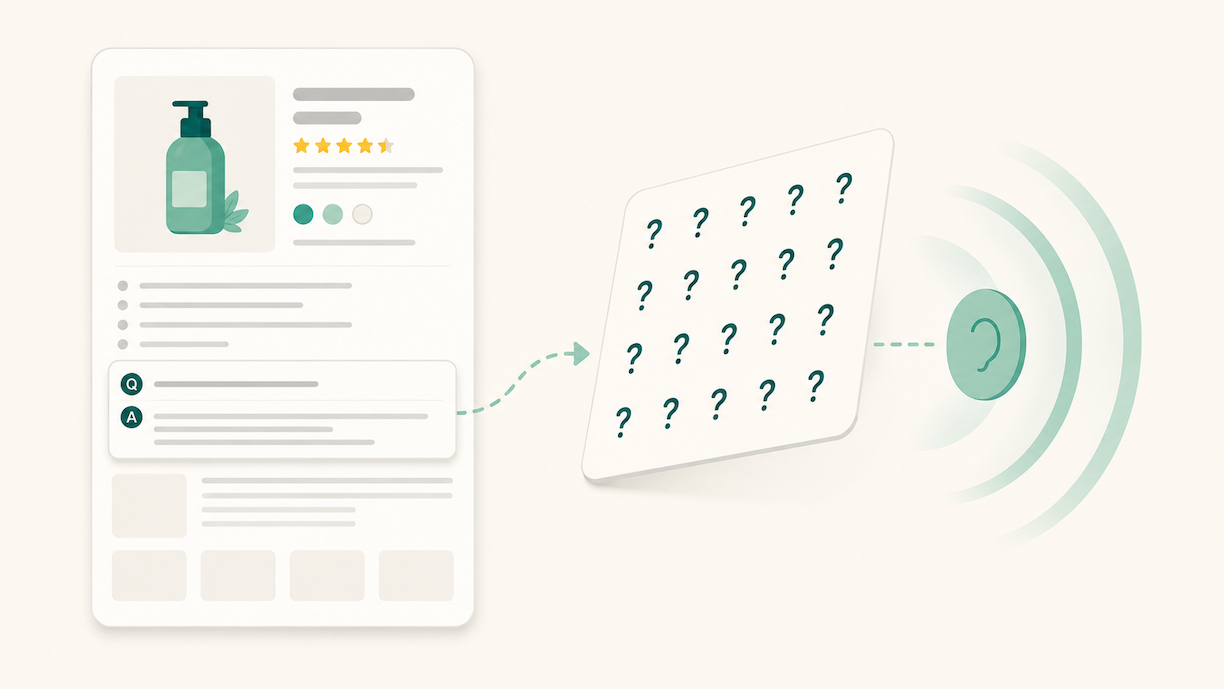
Traditional listing optimization improves your search ranking. Rufus optimization determines whether Amazon’s AI shopping assistant recommends your product when customers ask questions. They draw from the same listing but evaluate different signals. Rufus weights use-case language, complete attribute data, Q&A content, and review depth — not keyword density. A listing can rank well in search and still be largely absent from Rufus recommendations. As Rufus usage grows (more than 250 million customers used it in 2025, converting at 60% higher rates than non-Rufus shoppers), the gap between search-optimized and Rufus-optimized listings becomes a meaningful revenue difference. We cover the Rufus-specific layer in detail here.
How Canopy Can Help
An Amazon listing isn’t a set-and-forget asset. Algorithm updates, policy changes, and competitor improvements mean a listing that was well-optimized 18 months ago may be quietly underperforming today. The brands consistently winning in organic search treat their listings as living documents, not launch deliverables.
Work through this checklist as an audit, fix the highest-impact issues first, and test methodically. The gains compound.
If you want a professional eye on where your listings are leaking conversion, Canopy’s team audits listings as part of our broader account assessment.
Canopy Management delivers end-to-end eCommerce growth, leading the industry in Amazon marketplace strategy while powering expansion through Shopify, Meta, and Google. Our full-funnel approach — from marketplace optimization to customer acquisition — has generated over $3.3 billion in partner revenue and made us the trusted growth engine for brands worldwide.
Schedule a strategy session with our team to discover exactly how our proven frameworks can accelerate your growth.
Thinking About Hiring an Amazon Management Agency?
Canopy’s Partners Achieve an Average 84% Profit Increase!
Let’s talk