Amazon Turned These Features On in Your Account. Did You Notice?
AI videos, Virtual Multipacks, and off-Amazon placements are switching on by default in 2026. The audit checklist every Amazon seller needs now.


Amazon used to ship features in one sequence: announce the tool, then let you decide whether to turn it on. That sequence has reversed. In 2026, features that affect your ad spend, your catalog structure, and your brand presentation increasingly arrive already switched on, and they stay on until someone on your team notices.
Two current examples: AI-assembled video creative in Sponsored Products campaigns, and Virtual Multipack ASINs surfacing in advertising without anyone adding them. Both can be live in your account right now. Both change how your money gets spent and how your products appear to shoppers. Neither one asked first.
This post covers what these features do, why Amazon builds them this way, and the audit routine that keeps default-on features from quietly working against you.
Two Features That May Be Live in Your Account Right Now
AI-Assembled Videos in Sponsored Products
Amazon introduced Sponsored Products video at its Unboxed conference in October 2025. The official version is upload-based: advertisers add one to five product feature videos to an ad group, and Amazon’s internal data showed campaigns with video earning a 9% higher click-through rate than campaigns without.
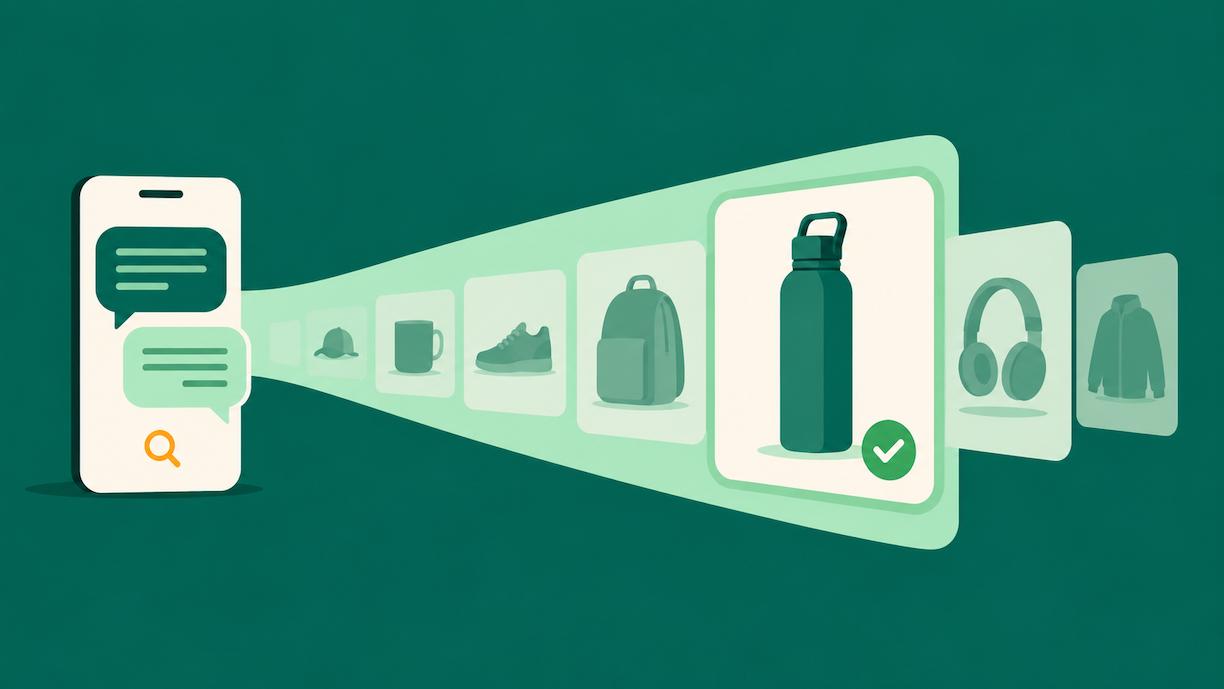
The 2026 development is different. Seller reports across US and European practitioner communities in June 2026 describe a campaign setting labeled “Automate assembled videos” that arrives enabled, including on campaigns created long before the feature existed. With the setting on, Amazon assembles video creative from your existing listing images and serves it in Sponsored Products placements. There is no brief and no approval step.
Worth being precise here, because two different tools are getting conflated in seller conversations. Amazon’s Video Generator, launched for Sponsored Brands in 2024, is opt-in: you click to generate videos and choose whether to use them. The assembled-video behavior sellers are reporting in Sponsored Products works in the opposite direction. You are opted in until you find the setting and decide otherwise.

For some catalogs that’s harmless. For brands with strict visual guidelines, lifestyle-heavy imagery, or products that photograph poorly out of sequence, machine-assembled creative can misrepresent the product in the most visible ad placement you buy. And because it appears inside campaigns you already run, a performance report won’t flag it. The spend looks normal. The creative changed.
Virtual Multipacks in Your Ad Campaigns
Virtual Multipacks (VMPs) started as a catalog pilot. Amazon announced in September 2025 that it would create multipack variations of eligible FBA brand-owned ASINs, with listings generated by September 26 and live to shoppers on October 13, 2025. Sellers could not opt in. Amazon selected the ASINs, created the listings, generated the images, and set default pricing at the single-unit price multiplied by pack size. That default price does not update when you change your single-unit price.
The advertising problem showed up later. Seller reports in June 2026 describe VMP ASINs appearing inside ad campaigns without anyone adding them, in some cases receiving spend through automatic targeting. When that happens, budget flows to a bundle configuration you didn’t design, at a price you may not have reviewed, and the conversion data lands on an ASIN your reporting was never built to track. ACoS moves and nobody on the team can say why.
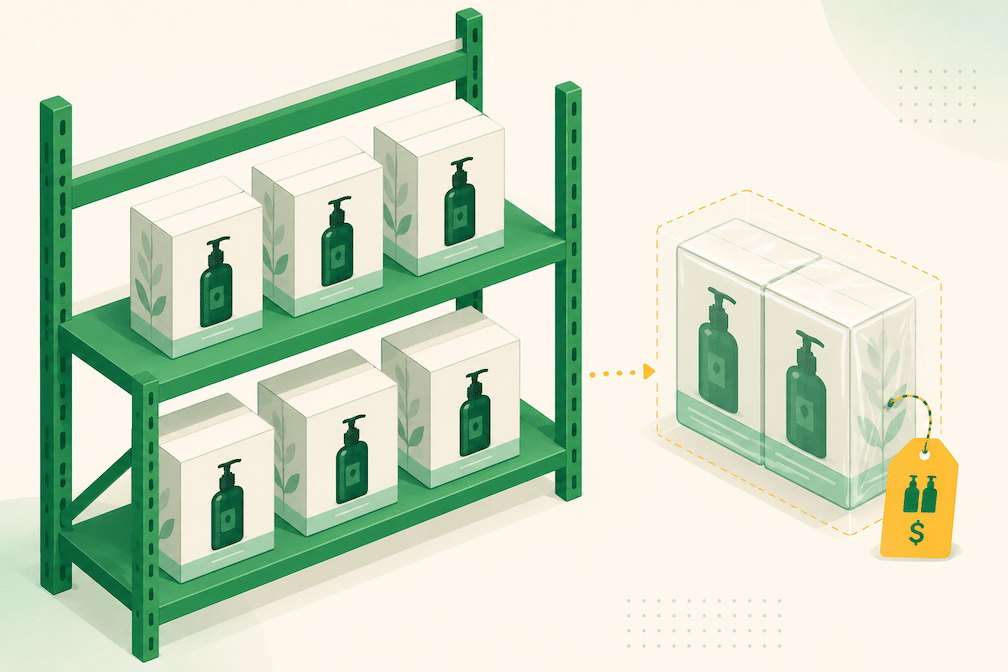
Finding them takes minutes. Filter Manage All Inventory for SKUs beginning with “VMP_”, then search those ASINs in your advertised product reports to see whether they’re spending.
Why Amazon Does This
The incentive structure is simple. Video placements earn higher engagement, so auto-assembled video raises expected revenue per auction. Multipacks raise average order value and generate per-unit fulfillment fees. Every default-on feature that increases spend or conversion helps Amazon’s advertising and fees businesses whether or not it helps yours.
The pattern predates 2026. In early 2025, sellers discovered that Sponsored Products campaigns had “Increase reach – off Amazon” enabled by default, sending ad budget to external apps and websites. Forum threads filled with sellers who found the setting only after ACoS spiked. We covered Amazon’s habit of quiet, consequential platform changes in our analysis of Amazon’s invisible challenges, and the automation push behind it in our look at Project Amelia.
What changed in 2026 is the pace. Amazon has shipped agentic creative tools, catalog automation, and placement expansions within months of each other, and defaults are how those features get adoption numbers fast.
None of this requires a conspiracy theory. Amazon will keep shipping features this way because it works. The practical response is supervision, and that job now needs an owner.
The Hygiene Manager Framework
Somebody on your team needs to own default-on features. We call this the hygiene manager role: a standing responsibility rather than a job title, held by whoever runs your ads or manages your account (or by your agency). The role exists because Amazon’s release notes won’t tell you what changed in your account. Only your account will.
The audit breaks into three categories, each on its own cadence.
Ad creative and placement defaults (weekly). Anything that changes what your ads look like or where they serve: assembled video settings, off-Amazon placement settings, new creative formats appearing in campaign manager. Weekly, because ad-side changes burn budget fastest.
Catalog structure defaults (monthly). Anything that changes what you’re selling: VMP creation, variation changes, attribute rewrites. Monthly, because catalog changes move slower but compound. Check Manage All Inventory for SKUs and variations you didn’t create.

Fulfillment and logistics defaults (quarterly). Program enrollments, fee changes, inventory placement settings. Quarterly is enough because these eventually announce themselves in fee reports. The audit just catches them before the fees do.
For most accounts, the full rotation costs fifteen to twenty minutes a week. The cost of skipping it is a quarter of spend flowing somewhere nobody approved.
The Full Audit Checklist
Run these checks in order. The first pass takes longer. After that, you’re only looking for changes.
1. Assembled video. Open campaign settings on your Sponsored Products campaigns and look for the automated video setting. Review any served video creative, then decide deliberately: leave it on where your listing images are strong, turn it off where brand control matters more than incremental reach.
2. Virtual Multipacks. Filter Manage All Inventory for VMP_ SKUs. For each one, review the price against your current single-unit price and review Amazon’s auto-generated images. Then search the VMP ASINs in your advertised product reports to see whether they’re receiving spend through auto campaigns.
3. Off-Amazon placement. Check the off-Amazon setting on each Sponsored Products campaign. As of June 8, 2026, Amazon added an “Off-Amazon ad serving” column to Sponsored Products bulksheets for US accounts, per the Advanced Tools Center release notes. The column works at the campaign row level in both create and update operations, which means you can audit and correct the setting across hundreds of campaigns in one upload instead of clicking through each campaign individually.
4. The rest of the default family. While you’re in settings, confirm the bidding strategy on each campaign is the one you chose, check any budget rules inherited from bulk operations, and review Sponsored Display auto-targeting on campaigns that were launched quickly. These are set-at-creation defaults rather than retroactive activations, but they belong on the same list because nobody remembers the defaults they accepted eight months ago.
When Leaving a Default On Is the Right Call
The checklist exists for awareness, not blanket opt-outs. Some default-on features will help your account, and turning everything off on principle costs real performance.
Assembled video is the clearest case. If your listing images are clean product shots with strong secondary images, auto-assembled video will look reasonable, and the format carries a documented click-through advantage. Leave it on and monitor the output. If your visual identity depends on lifestyle photography, model shots, or imagery that only makes sense in sequence, auto-assembly will produce something you would never have approved. Opt out and upload your own feature videos instead. The format rewards video; it doesn’t have to be Amazon’s version of your video.
VMPs follow the same logic. A multipack at a sensible price can raise average order value with zero packaging work. The audit question is whether the price and the images represent your brand, not whether the feature deserves to exist.
How Canopy Can Help
Supervising Amazon’s defaults is a standing part of how Canopy manages partner accounts. Our brand managers run these audits as routine account hygiene across the full stack we manage, so budget stays pointed at strategy instead of leaking into settings nobody chose.
Canopy Management is a full-service omnichannel agency based in Austin, Texas. We run Amazon, Walmart, TikTok Shop, Shopify, Meta, and Google for brands doing $20K to $1.5M in monthly revenue, with the same dedicated brand manager owning the account for the life of the engagement.
The numbers we lead with: $3.3 billion in partner revenue, 84% average year-over-year profit increase, and 99.1% partner retention.
Schedule a strategy session to see how we’d approach your account.
Not Sure What Amazon Has Switched On in Your Account? We'll Find It.
Canopy's Partners Achieve an Average 84% Profit Increase!
Get Your Free Account AuditFrequently Asked Questions
Check the campaign settings on your Sponsored Products campaigns for the automated video setting, which seller reports in June 2026 identify as “Automate assembled videos.” Then review served creative in campaign manager rather than relying on the toggle alone. If video impressions appear on campaigns where you never uploaded video, assembly is happening.
Opting out of auto-assembly removes machine-built creative, but it does not remove your access to the format. Amazon’s own data showed Sponsored Products campaigns with video earning a 9% higher click-through rate, so the better move for most brands is uploading your own feature videos and keeping the format on your terms. Controlled video beats assembled video, and both beat no video in most categories.
Virtual Multipacks are multi-unit listings Amazon creates from your existing single-unit FBA inventory, launched as a pilot with listings live to shoppers on October 13, 2025. Each one gets its own ASIN and a SKU beginning with “VMP_”, appears as a variation on your single-pack detail page, and is fulfilled by picking multiple singles from your existing stock. Amazon selected the ASINs and created the listings; sellers could not opt in.
Pull your advertised product report in the advertising console and filter for ASINs tied to your VMP_ SKUs from Manage All Inventory. Pay closest attention to automatic targeting campaigns, since those pull in catalog items without manual selection. If VMP ASINs show spend you never assigned, add them as negatives or restructure the campaign to advertise only the configurations you priced deliberately.
Added June 8, 2026 for US accounts, the column lets you control off-Amazon placement settings for Sponsored Products campaigns in bulk through a spreadsheet upload rather than editing campaigns one at a time. It works at the campaign row level in both create and update operations. If off-Amazon placements have been draining your budget on low-intent external sites, this is the fastest way to correct the setting across a large account.