What Is Amazon Review Requests? The New Ad Type That Asks Buyers for Reviews
Amazon Review Requests is a new ad type that asks recent buyers to rate your product. How it works, who qualifies, and when it’s worth paying for.


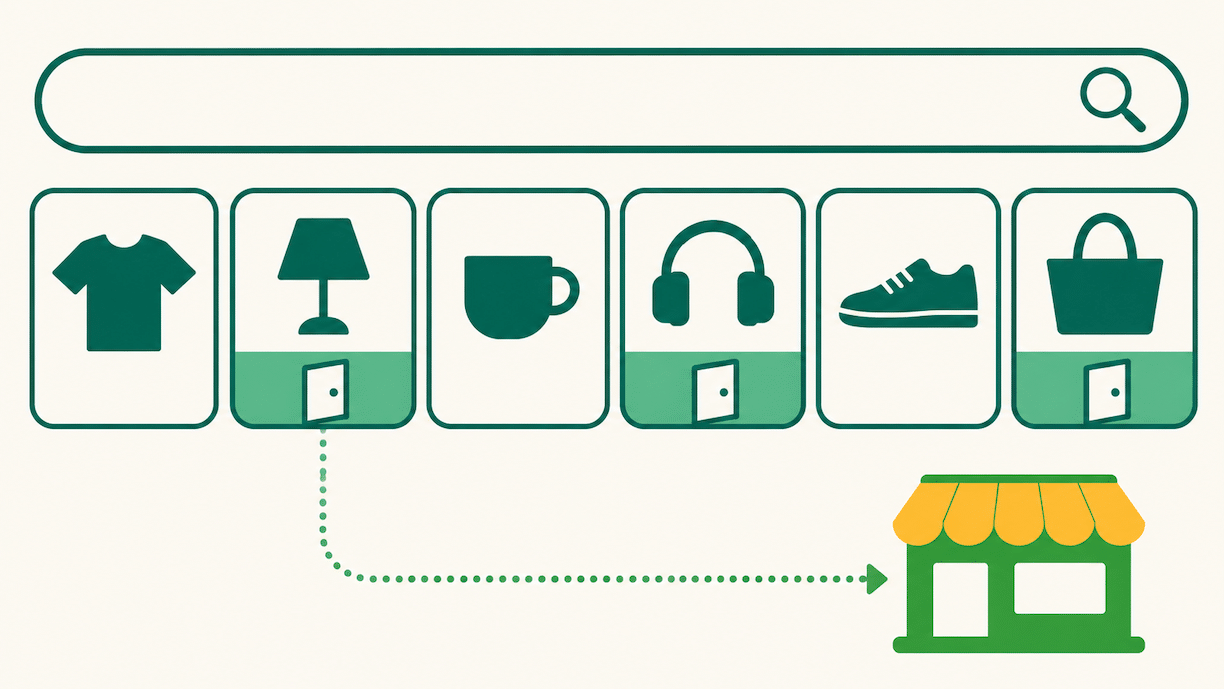
Amazon Review Requests is a new Amazon Ads campaign type that shows an ad to shoppers who recently bought your product and asks them to rate it while they’re shopping on Amazon. A star rating takes one tap, and the shopper can add a written review with photos or video if they want to.
It’s open to registered sellers and vendors with an advertising account in good standing, and it only works on products with fewer than 1,000 ratings and reviews. Amazon announced it at unBoxed on September 29, 2026, and its own pages give two start dates for the US open beta: “late October 2026” on one and “November 2026” on the other.
The pitch is speed.
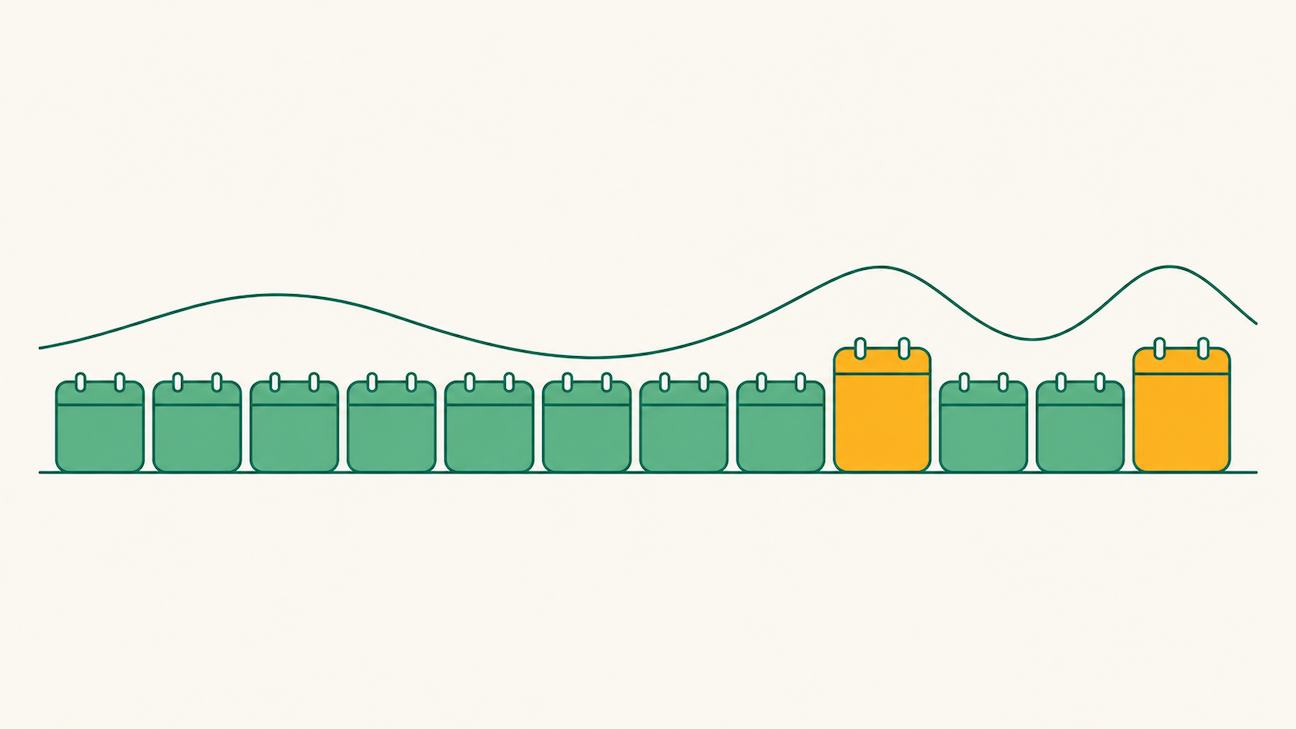
Amazon says products in its June test received “three times as many ratings and reviews per week.” What Review Requests doesn’t change is what those reviews say. It gets more of your buyers to speak up, so it amplifies whatever your product has already earned.
On a product shoppers like, it closes a review gap faster. On a product with a return problem, you’ll hear about that problem sooner, in public.
How Review Requests Works
Here’s what Amazon has published so far:
- Who sees the ad: “customers who recently purchased your product.” Amazon’s news page calls them “verified buyers.”
- Where it appears: “Amazon’s highest-traffic pages,” which the news page describes as places “like the homepage.”
- What the shopper does: taps a star rating, then can add an optional written review with video or images.
- Who can run it: “Registered sellers and vendors with an advertising console account in good standing and no active policy violations.”
- Which products qualify: “Products are eligible when they have fewer than 1,000 total ratings and reviews.”
- How you buy it: “You create and manage campaigns in Amazon Ads Agent,” the new name for Amazon’s unified advertising platform, “using the same bidding and budget controls you use for your other Amazon Ads campaigns.” It’s also available through the Amazon Ads API.
- Where it’s available: the US only for now. Amazon says “additional marketplaces and Amazon properties are planned for future releases.”
Is it allowed? Yes. It’s Amazon’s own product, and nothing changes hands for the review. Amazon describes the result as the “same authentic reviews customers already leave.” That matters because Amazon has prohibited incentivized reviews outside its Vine program since 2016. A free product, a discount, or a refund in exchange for a review is still off limits.

What Amazon Hasn’t Said Yet
Several early explainers state details that Amazon’s own pages don’t. Until Amazon publishes them, treat these as open questions:
- How you’re charged. “The same bidding and budget controls” means you set bids and budgets, but Amazon hasn’t said whether you pay per click, per impression, or per review submitted. Check the billing line in Amazon Ads Agent before you set a budget.
- Exactly where the ads run. The homepage is the only placement Amazon has named.
- Whether reviews get labeled. Amazon hasn’t said whether a review that came through this ad will look any different on your product page.
- What the reporting shows. If you can’t see how many ratings each campaign produced, you can’t judge what you’re paying per rating.
- How the 3x was measured. It comes from a 19-day closed beta in the US, June 3 to 21, 2026. Amazon hasn’t published how many products took part, what they started from, or whether there was a comparison group.
So run the first month as a test, with a budget you’ve decided in advance, and judge it on numbers you track yourself.
Review Requests vs. Vine vs. Request a Review
Amazon now has three ways to get reviews, and they do different jobs.
| Request a Review button | Amazon Vine | Review Requests | |
| Cost | Free | $0, $75, or $200 per parent product, depending on units enrolled | Ad spend (billing model not yet published) |
| Who it reaches | The buyer of one order, by a standard Amazon email | Vine reviewers who get the product free | Recent buyers, through an ad while they shop on Amazon |
| Limits | Once per order, 5 to 30 days after delivery | Fewer than 30 reviews; FBA offers; a Brand Registry role | Fewer than 1,000 ratings and reviews |
| Best for | Every order, always on | A new product’s first reviews | Closing the gap between Vine and your competitors |
In practice, they stack. Request a Review should run on every eligible order, automated so nobody has to remember it. Vine belongs on day one of a launch, since it gets reviews before you have many buyers, and Amazon says it can “boost sales an average of 30%.” Review Requests fits the stretch after that: a product past Vine’s 30-review cap that’s still well behind the listings it competes with. Our product launch playbook covers how the first 90 days fit together.
When Review Requests Is Worth Paying For
Run four checks before you put money behind it.
- Recent reviews are good. Look at the average rating of your last 20 or 30 reviews, not your lifetime average, and read your return reasons. If either points to a defect, a sizing problem, or a mismatch with the listing, fix that first. Review Requests will surface it faster.
- Review count is what’s holding you back. Compare your rating and review count with the listings that rank next to you for your main keyword. If you’re at 4.5 stars with 60 reviews and they’re at 4.4 with 2,000, the count is the gap. If the gap is price or images, reviews won’t close it. Our guide to what a good Amazon conversion rate looks like shows how to find which one it is.
- You’re selling enough to ask. The ad only reaches people who recently bought, so a product selling a handful of units a week has a handful of people to ask. It works best on products with steady sales and a low review count, which is common on newer products in established categories.
- The price per rating makes sense. Once Amazon shows how billing works, divide spend by new ratings. Then compare that number with what a stronger review count is worth to you in conversion.

How to Run a First Test
- Pick two or three products that pass all four checks above.
- Record a baseline for each: new ratings per week over the last four weeks and the average star rating of those new ratings.
- Set a fixed budget you’d accept spending to learn, and run it for four weeks.
- Compare against the baseline: new ratings per week, the average rating of the new ones, spend per new rating, and conversion rate over the same period.
- Decide product by product. Keep it on products where the cost per rating is worth it and the new ratings hold up. Turn it off anywhere the new ratings come in below your average.

How Canopy Handles Reviews
Our brand managers treat reviews as part of the launch plan and the weekly account review rather than a separate project. Vine goes on at launch, Request a Review runs automatically, and ratings get checked against the competitive set every week. When negative reviews cluster around the same complaint, that goes back into the listing or to the partner’s product team, the approach our guide to turning Amazon reviews into revenue lays out.
Review Requests gets the same treatment as any new campaign type: a small test on products that pass the checks, judged on numbers we track ourselves. It sits with the rest of the advertising work our Amazon PPC management guide describes.
Canopy is a full-service omnichannel marketing agency. Our partners have generated $3.3 billion in revenue, with an average 84% year-over-year profit increase and 99.1% partner retention.

Frequently Asked Questions
Amazon’s announcement pages give two dates for the US open beta, late October 2026 and November 2026, so rollout may reach accounts at different times. Look for it as a campaign type in Amazon Ads Agent. Amazon’s page also says to “contact your Amazon Ads account team” to learn more, which is the fastest route if you have one.
No. It only reaches shoppers who already bought your product, so it doesn’t drive sales directly. Its value comes later, when a higher review count helps the next shopper decide. Judge it on ratings gained per dollar, and keep it separate from campaigns meant to drive sales.
Review Requests for that product pauses automatically. Amazon checks eligibility when you create the campaign and keeps checking while it runs. If you’re close to the threshold, plan where that budget goes next so it doesn’t sit idle.
Yes. Amazon lists both registered sellers and vendors as eligible, as long as the advertising account is in good standing with no active policy violations. Amazon’s announcement doesn’t mention Brand Registry as a requirement, but confirm in your console, since eligibility details can change during a beta.
Not yet. The open beta is US only. Amazon says more marketplaces and Amazon properties are planned but hasn’t given dates. Brands selling in Canada or Europe should keep using Vine and Request a Review there for now.