Walmart Seller-Fulfilled Shipping in 2026: Ship with Walmart, Your Own Carriers, or WFS
Walmart made seller-fulfilled speed easier to earn and easier to lose in the same month. Here’s how to choose the labels, carriers, and fulfillment mix that keep the Walmart+ badge on your listings.

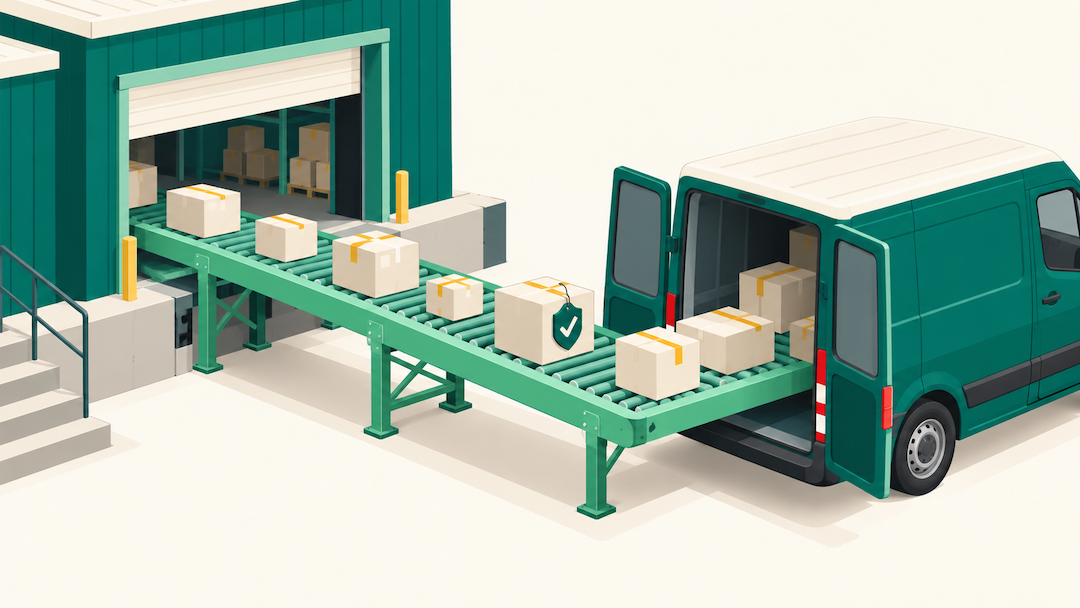
If you ship your own Walmart orders, buy most of your labels through Ship with Walmart. The reason is the on-time protection that comes with them, more than the discount. Walmart now judges seller-fulfilled badge eligibility over a 14-day window. When an order ships on time on a Ship with Walmart label and the carrier runs late or loses it, that order doesn’t count against your on-time delivery rate. Labels bought on your own carrier account get no such cover. Keep your own contracts for heavy or high-value shipments where they clearly beat Walmart’s rates, and send SKUs you can’t deliver in two days to WFS.
Three changes in four weeks made this decision more consequential:
- September 9: Walmart shortened the Walmart+ badge lookback to 14 days. Qualifying now takes an On-Time Delivery Rate above 90% and a Cancellation Rate below 2.5% over that window.
- September 10: Walmart launched Speed Insights, a Seller Center dashboard that flags regions where your delivery promises fall short and recommends fixes.
- October 6: ShipStation added Ship with Walmart labels to its platform, so sellers who run multichannel orders there can buy Walmart’s labels without switching tools.
Each one points the same way. Walmart is rewarding seller-fulfilled speed more directly than it used to, and it’s handing sellers the tools to measure and protect it. For brands already shipping Amazon and Shopify orders from their own warehouse or 3PL, that changes the math on how much inventory belongs in WFS.
Losing the Walmart+ Badge to One Bad Carrier Week?
Canopy's Partners Achieve an Average 84% Profit Increase!
Review My Walmart Shipping SetupThe Walmart+ Badge Now Runs on a 14-Day Window
WFS items get the Walmart+ badge automatically. Seller-fulfilled listings can earn it too. Per Walmart’s badge program guide, you need to have met Walmart’s Seller Performance Standards for the last 14 days, and your items need to meet these criteria:
- At least 100 orders fulfilled in the last 90 days
- On-time delivery rate above 90% over the last 14 days
- Cancellation rate below 2.5% over the last 14 days
- A delivery promise of two calendar days or less
You check eligibility and enroll items on the Walmart+ Seller Fulfilled page in Seller Center. Walmart reviews each enrollment, and it keeps monitoring performance afterward, so the badge can drop off a listing when your metrics slip. We covered the badge’s shift away from WFS-only in our guide to selling on Walmart in 2026. The lookback is what changed since.
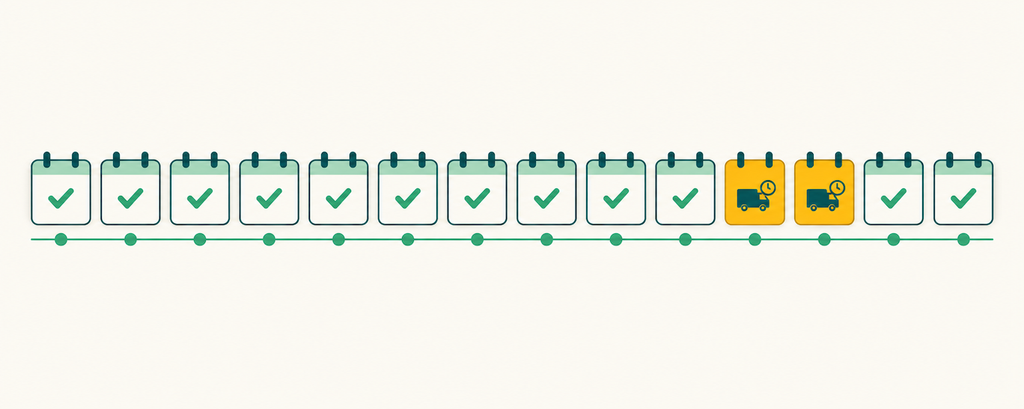
A 14-day window cuts both ways. A seller with a strong two weeks can qualify faster than before. A seller with one bad carrier week can fall under 90% just as fast, because there are fewer good days in the window to absorb the misses. Peak season is when that bites, since carrier delays and the highest-value traffic of the year arrive together.
The badge matters more as clicks get pricier. Walmart says products with TwoDay and ThreeDay delivery options see a 30 to 50% conversion lift on average. That’s Walmart’s own figure, but the direction matches what you’d expect. With Walmart Connect CPCs rising as advertiser counts grow, a listing that converts better makes every paid click worth more.
What Ship with Walmart Covers, and What It Doesn’t
Ship with Walmart is Walmart’s own label program. It predates the ShipStation news by a wide margin. Sellers buy discounted USPS, FedEx, and UPS labels at Walmart-negotiated rates, either in Seller Center or through Walmart’s APIs.
The protections are the part worth understanding line by line. Per Walmart’s seller protections policy, they apply when:
- You shipped on or before the order’s Ship By date
- Your account is in good standing
- Your returns settings meet the policy’s requirements
- You aren’t currently disputing that return with the customer
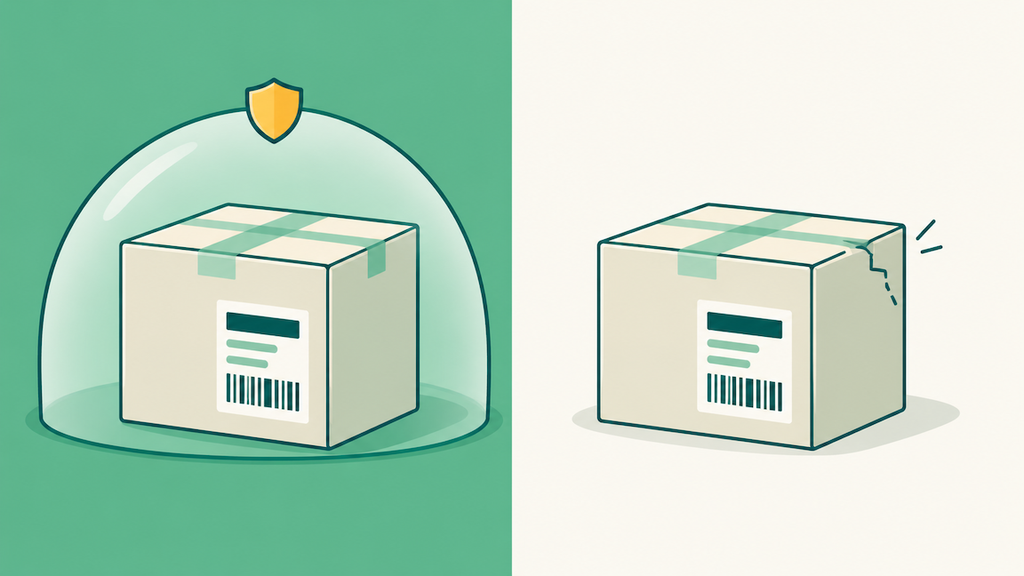
When those conditions hold, late deliveries and lost packages don’t count against your On-Time Delivery metric. For orders lost in transit or after delivery, Walmart refunds the customer and won’t seek reimbursement from you for up to $100 per qualifying order. Walmart handles the carrier claim itself.
The exclusions are where sellers get caught:
- Your own carrier account. Labels produced through Bring Your Own Account aren’t covered. If you route Walmart orders through your own UPS or FedEx contract inside Ship with Walmart, you keep your rate and give up the protection.
- Damage. Packages damaged in transit aren’t covered.
- Value above $100. If the refund exceeds $100, you may be charged the difference. Walmart’s Ship with Walmart page says enhanced carrier protection can extend coverage up to $500 total.
- Packaging and compliance. Orders packaged or labeled incorrectly, or containing prohibited or restricted items, are excluded.
Walmart also states plainly that these protections are discretionary. They aren’t insurance, and Walmart can modify or withdraw them. Plan on them, and don’t build your whole operation on them.
Are the Rates Cheaper Than Yours?
The discount claims don’t agree with each other. ShipStation says Ship with Walmart rates run up to 50% below market rates. Walmart’s own program page says its labels cost over 60% less on average than market rates, citing its own June 2025 data. A separate Walmart shipping page says Ship with Walmart doesn’t guarantee or imply any anticipated cost savings.
All three can be true at once, because “market rate” usually means the carrier’s published retail price. If you’re shipping at volume, you aren’t paying retail. Your negotiated contract is the number to beat, not the sticker price.
So run the comparison on your own packages. The Ship with Walmart settings page in Seller Center has a Shipping Calculator tab with a Compare rates option. Pull your 20 most common package weights and dimensions and price each one both ways. Light parcels under $100 in value are the strongest case for Walmart’s labels, because the protection covers the full order value on top of whatever rate difference you find. Heavy or high-value parcels are where a strong contract can come out ahead, as long as you accept carrying the on-time risk yourself.
Where ShipStation Fits
If ShipStation already runs your multichannel orders, the October 6 integration removes the main reason sellers skipped Ship with Walmart: having to buy Walmart labels in a separate tool. You activate it through your ShipStation Wallet. Your Walmart orders stay in your existing queues, and Ship with Walmart labels sit alongside your existing carrier accounts as an extra option. ShipStation is offering 20% off its subscription for the first year to sellers who activate it.
Two limits to know. The ShipStation integration supports U.S. domestic shipments only. And the protection rules don’t change because you bought the label in ShipStation. Set up your Walmart orders to default to Ship with Walmart labels rather than your own carrier account. Otherwise you’ll lose the protection on exactly the orders it’s meant for.
Use Speed Insights to Find the Regions Costing You the Badge
Speed Insights shows what share of your items meet their delivery promise, your average delivery time, and the percentage of orders delivered within the TwoDay threshold. It compares your performance against seller-fulfilled delivery speed benchmarks. Its recommendations come in three groups:
- Operations: extend weekend operations, reduce handling time, extend order cutoff times, or onboard faster carriers.
- Regional: regions where a 3-day-or-faster promise isn’t being met, with the potential sales impact and fulfillment center performance.
- Customer Favorites: a weekly list of your Customer Favorites items, with target region, average delivery time, and monthly orders.
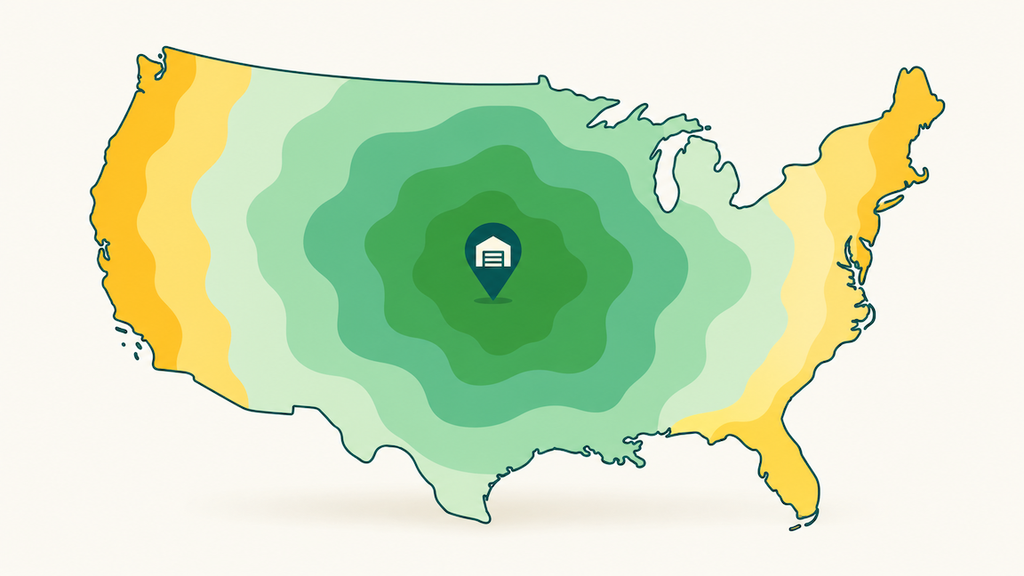
Start with the regional view. The usual pattern is a single fulfillment node that reaches half the country in two days and the other half in four. Promising two days everywhere from that node is how sellers miss their own promises and lose the badge.
Shipping templates fix that. Walmart allows up to 60 custom shipping templates for seller-fulfilled items, so you can promise TwoDay only to the regions you can reach in two days. Walmart’s own guidance is to set your Default template to your longest expected transit time, because the Default applies across your whole catalog. For items you want badged, Walmart recommends a lag time of 0 and an expedited service.
When WFS Is the Better Call
Some SKUs belong in WFS no matter how good your labels are.
You can’t meet the volume bar. Walmart’s seller-fulfilled badge criteria include at least 100 orders fulfilled in the last 90 days. If you’re below that, WFS is the only way to get the badge, since WFS items carry it automatically.
Your network can’t reach most of the country in two days. If Speed Insights shows large regions outside your two-day reach, WFS can cover them without a second warehouse.
You can’t absorb peak-season risk. With WFS, Walmart carries delivery performance. Seller-fulfilled, a bad carrier week in December lands on your 14-day metrics.
Most brands we see end up running both: fast movers in WFS, long-tail and oversized SKUs seller-fulfilled on Ship with Walmart labels. Our practitioner guide to Walmart Fulfillment Services covers the inbound side, including prep requirements and how WFS fees are structured.
A Simple Decision Rule
| Your situation | Best fit |
| Parcels under $100 in value, two-day reach from your node | Ship with Walmart labels |
| Heavy or high-value parcels where your contract beats Walmart’s rate | Your own carrier account, accepting the on-time risk |
| Under 100 orders in 90 days, or two-day reach to only part of the country | WFS |
| Already running multichannel orders in ShipStation | Ship with Walmart inside ShipStation, defaulted for Walmart orders |
How Canopy Management Helps
Most of what decides the Walmart+ badge happens in settings nobody revisits: shipping templates, lag times, carrier defaults, which SKUs sit in WFS. We audit those against your Speed Insights data and your real label costs, then rebuild the setup so your promises match what your network can deliver. That work runs alongside listing optimization and Walmart Connect management in our full-service Walmart management.
Canopy Management is a full-service omnichannel marketing agency covering Amazon, Walmart, TikTok Shop, Shopify, Meta, and Google. Our partners have generated more than $3.3 billion in revenue, with an average 84% year-over-year profit increase and a 99.1% partner retention rate. Every partner works with a dedicated brand manager.
Shipping Walmart Orders Yourself and Not Sure It's Paying Off?
Canopy's Partners Achieve an Average 84% Profit Increase!
Get a Walmart Fulfillment ReviewFrequently Asked Questions
No. Walmart’s documentation describes Ship with Walmart as a service for generating labels for Walmart Marketplace orders. ShipStation keeps your other channels in the same dashboard, but those orders still ship on your own carrier accounts or ShipStation’s rates. Only Walmart orders get Walmart’s negotiated rates and seller protections.
No. Walmart’s seller protections policy excludes packages damaged in transit and covers only orders lost in transit or after delivery. Walmart’s protection doesn’t extend to damage, so check what optional coverage your carrier offers when you buy the label and whether it includes damage. Fragile products are where that check matters most.
Walmart runs a separate Ship with Walmart Cross Border service for items shipped from China to U.S. customers, using Yanwen and SF Express for door-to-door delivery. Its protections are narrower: the $100 limit includes duties and covers only lost-in-transit claims. The ShipStation integration supports U.S. domestic shipments only, so cross-border labels go through Seller Center or Walmart’s APIs.
You lose the protection for that order. The policy only applies when you ship on or before the order’s Ship By date, so a late handoff counts against your on-time rate like any other late order. Handling time is the part you control, which is why Speed Insights puts cutoff times and weekend operations first.
Yes. Walmart lets you enroll and unenroll items at any time from the Walmart+ Seller Fulfilled page. That’s useful for SKUs you can’t reliably ship in two days during peak season. Pulling them before your on-time rate slips protects the badge on everything else.
No. Walmart’s custom shipping templates are for seller-fulfilled items, and you can create up to 60 of them. WFS items follow Walmart’s own delivery promise. If you split a catalog between the two, only the seller-fulfilled side needs template work.
ABOUT THE AUTHOR

Chuck Kessler
I'm a Colorado based outdoor adventurer and AI whisperer. As the SEO and GEO Strategist for Canopy Management, my focus is on technology, elegant prompt sequences, and next-gen ranking strategies for eCommerce brand entrepreneurs.
Related Contents

- Selling on Walmart
- Walmart Advertising
- Selling On Amazon
- Selling on Walmart
- Artificial Intelligence
- News
- Selling on Walmart